
Auto Clicker Guides
How to set up an auto clicker, the best settings for your games, and how to use one on every device.
Guides
-
Auto Clicker Settings: How to Set Up & Use One
Every setting explained, with the best interval for common games and tasks.
-
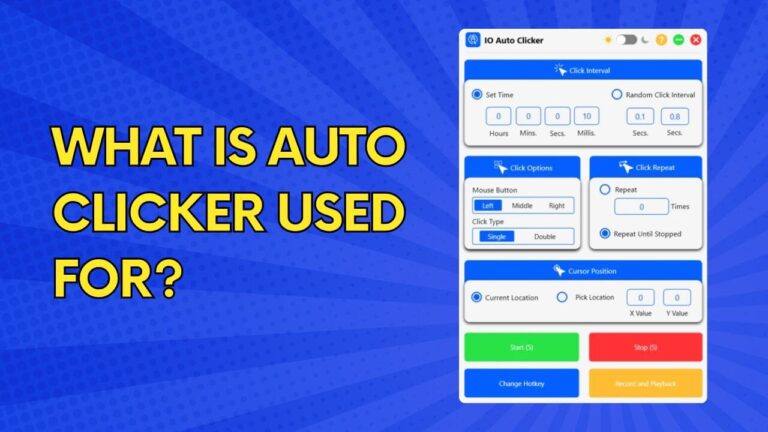
What Is an Auto Clicker Used For?
Eight real uses, from idle games to testing, and what an auto clicker can’t do.
-

Best Auto Clicker for Games & PC: 7 Tested & Ranked
IO, GS, OP, Speed AutoClicker and more, compared on price, platforms and hotkeys.
-
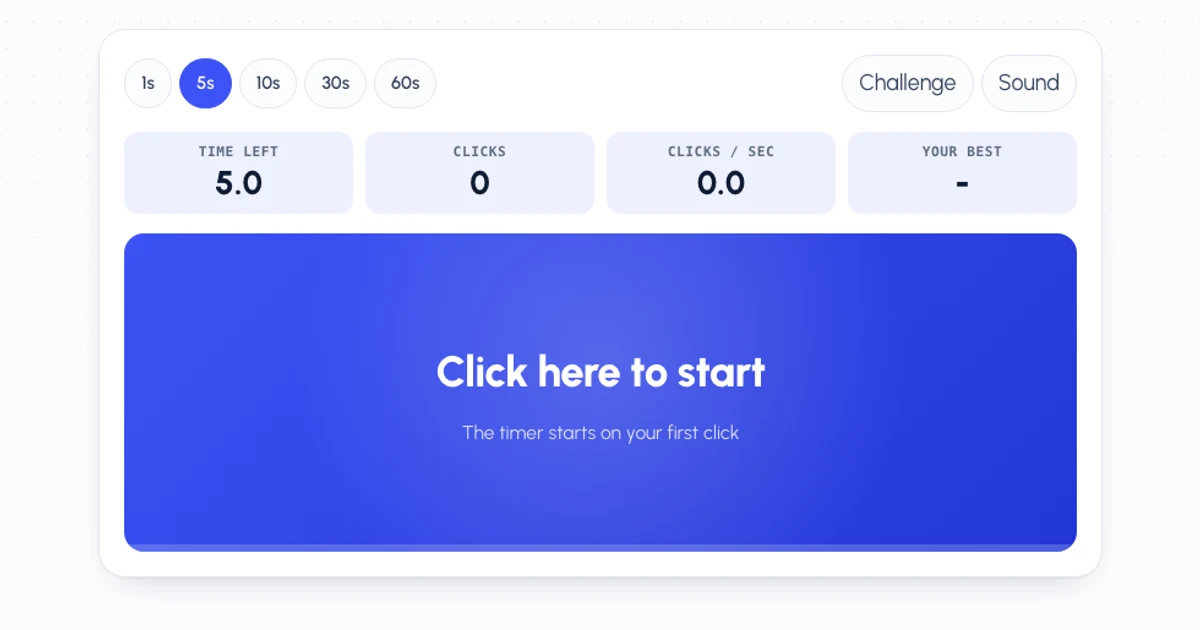
How to Click Faster: 4 Techniques to Raise Your CPS
Jitter, butterfly and drag clicking step by step, plus a daily practice routine.

Devices
-
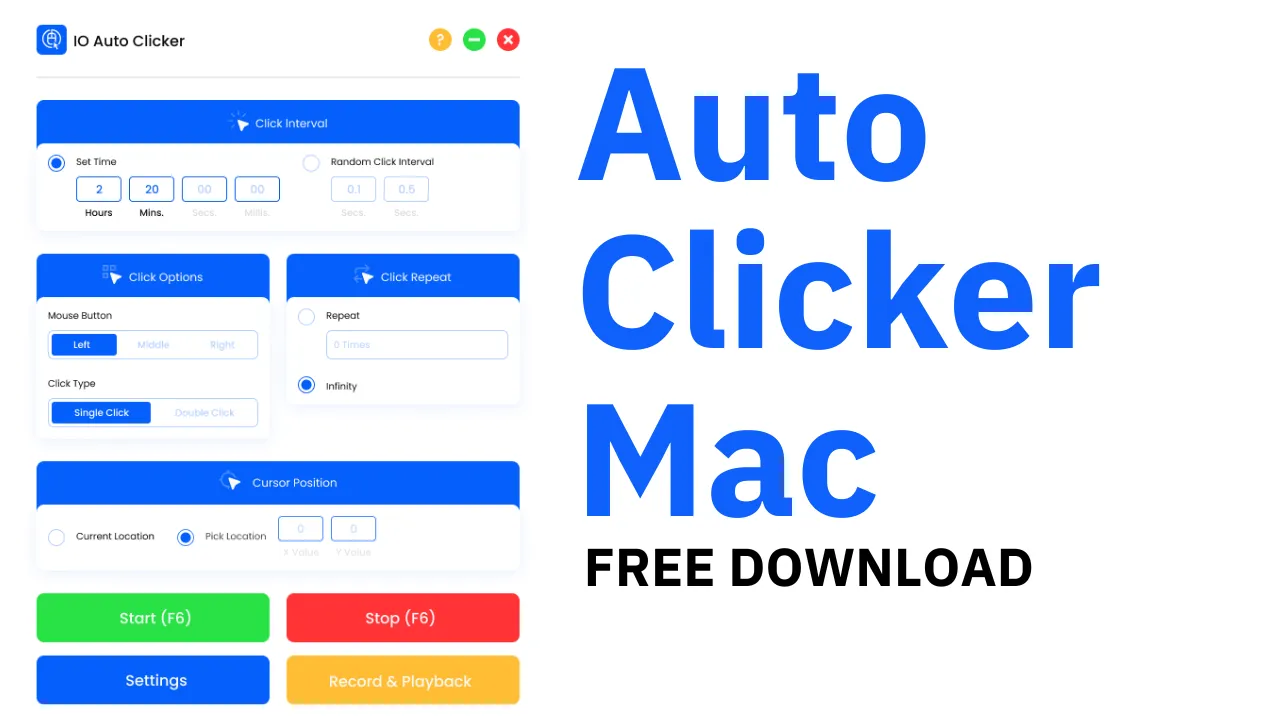
Auto Clicker for Mac
Set up IO Auto Clicker on a MacBook, iMac or Mac mini, from the App Store.
-
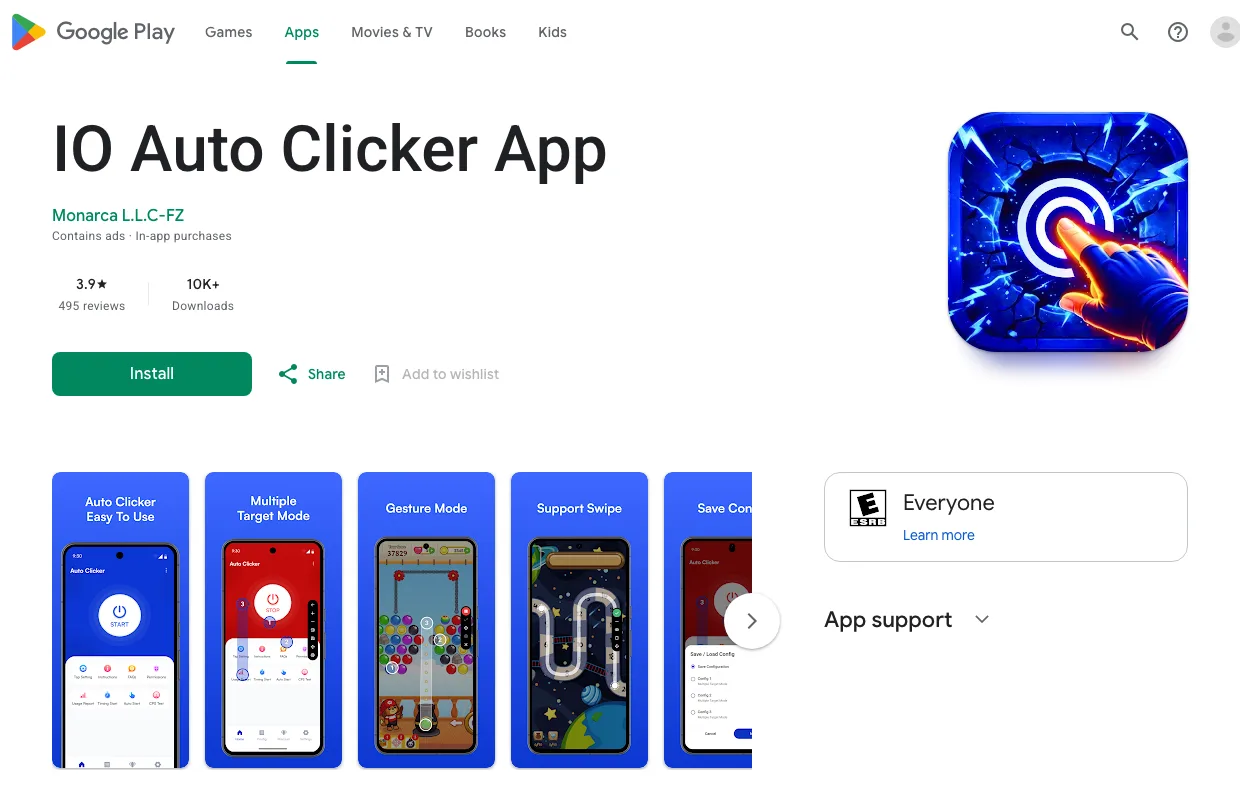
Auto Clicker for Android
Automatic tapping with single, multi-target and swipe modes. No root needed.
-
Auto Clicker for iPhone & iPad
Turn on the free auto clicker built into iOS with Switch Control. No app needed.
-
Auto Clicker for Chromebook
Switch on the Chromebook’s built-in auto clicker, or use our Android app.
-
Auto Clicker Extension for Chrome
Version 4.0 of our free extension, for clicking inside the Chrome browser.
Click Tests
Free tools to test your click speed, your mouse, and your auto clicker.
- CPS Test Pick 1 to 60 seconds
- 1 Second CPS Test One all-out burst
- 5 Second CPS Test The standard test
- 10 Second CPS Test Speed and stamina
- 30 Second CPS Test Clicking stamina
- 60 Second CPS Test Clicks per minute
- Auto Clicker Test Real speed of your auto clicker
- Jitter Click Test Test your jitter clicking
- Butterfly Click Test Two fingers, one button
- Spacebar Counter Space bar presses per second
- Right Click Test Right mouse button speed
- Kohi Click Test The classic PvP click test
- Drag Click Test How high can drag clicking go?
- Double Click Test Check your mouse for double clicks
- Scroll Test Mouse wheel scrolls per second
- Reaction Time Test How fast are your reflexes?